Weekly Merge a Mini Army Updates
A cadence guide so you rejoin after a patch instead of playing a cached client.
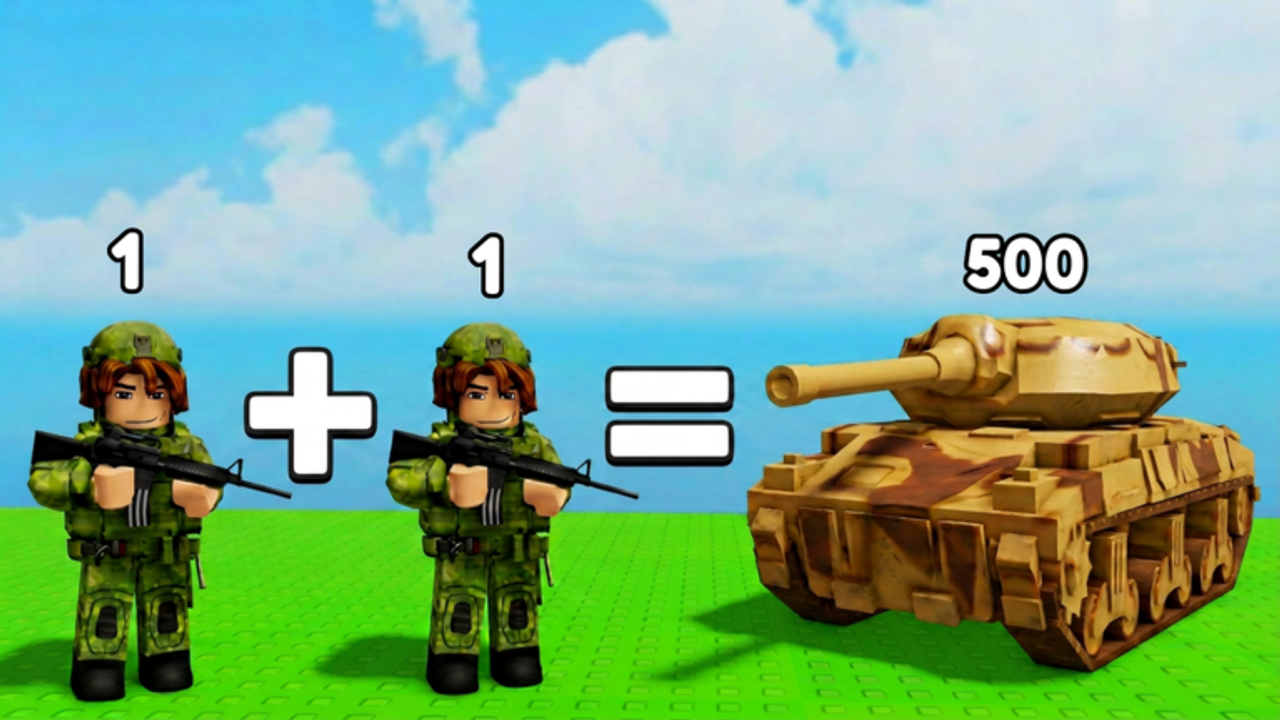
The Roblox description says new updates every week. That sentence is doing a lot of work. It means the Index, the shop, and the HUD are allowed to move while your favorite YouTube thumbnail stays the same. This page is how to live with that cadence.
The timestamp page is latest update. The desk is the updates hub. This article is the habit.
What a weekly patch is allowed to change
Economy. Spawn Tier prices, cash multipliers, offline tick rate. If the ticker feels different, believe your HUD and then read how to get cash fast again.
Roster. A new truck, a new heli, a new Elite. Unnamed models start as screenshots and become roster headings after a second source. Troops is the filing cabinet.
HUD. Codes button, Auto Merge toggle, camp cap. HUD patches are the ones that make old redeem guides true or false.
Map. Extra flags, different defender toys on the airfield. Re-walk how to capture camps if the old order starts failing for everyone, not just you.
Rules. A second Rebirth would be a rules patch. Until we see it, how to Rebirth stays a one-button story.
How we verify a “weekly update” video
- Place id
105724836892064or universe10431718987on screen. - Creator is My HQ!, not a lookalike group.
- A HUD element actually changed, or the Roblox
updatedfield moved. - A second session can reproduce it.
If the video is Mini War wheat or Merge Your Army zombies, it is not a weekly note. It is a different game.
What you should do after you notice a patch
Rejoin. Cached clients lie. Then open Shop, Rebirth, and the Index. Then play one starter-camp cycle so you know Spawn Tier still behaves. Only then spend Robux. Game pass tiers can wait ten minutes.
If you run a script hub, disable Auto Rebirth until you see the new menu. A one-time prestige plus a patch is how people reset the wrong thing. How to use scripts covers that pause.
What we will not do
We will not invent a Monday schedule. “Every week” is a promise, not a calendar invite. We will not pad this page with empty dates. When the platform moves, latest update gets the day. This page keeps the method.
A simple weekly ritual
Once a week, open the Roblox place, note the updated time, join a fresh server, and click Shop plus Rebirth plus Index. That is five minutes. It saves you from playing a cached client and from believing a wrong-game thumbnail. If nothing moved, go take a camp. If something moved, start at latest update and then the guide that names the changed widget.
If you only remember one habit, remember rejoin. Cached UIs are how people swear codes exist because they saw a gift box in a different experience last night.
Related pages
Codes watch list: where codes drop. Troop grades that might go stale: troop tier list. Official group: links hub. Script caution after patches: how to use scripts.
Frequently Asked Questions
Quick answers to the most common Merge a Mini Army questions.
Is there a fixed weekday for patches?
No public schedule. The description says weekly. We watch the Roblox timestamp instead of guessing a day.
Should I stop playing before an update?
No. Rejoin after you notice one. Do not sit out a week because a thumbnail said UPD.
Can a weekly patch delete my army?
Tycoon plots usually persist. If a reset ever happens, we will say so on the latest update page. We have not seen a wipe.
Do scripts survive weekly patches?
Sometimes. Re-test. Disable Auto Rebirth first. The safety page is required reading.